docssetupauth0
Auth0 SSO for Periscope — Kubernetes dashboard OIDC setup
Wire Auth0 as the OIDC provider for Periscope's Kubernetes dashboard. Tenant config, callback URL, group claim mapping, and an example auth.yaml ready to drop into the Helm chart.
A condensed checklist. End state: a working Auth0 tenant + an
auth.yaml whose values you can drop into Periscope to get the
"Sign in with your IdP" → callback → dashboard flow working.
Companion file: examples/config/auth.yaml.auth0.
1. What you need
- An Auth0 tenant (the free Developer plan is fine).
- Tenant-level admin access — you'll create an Application and an Action.
- A URL Periscope will be reachable at. For local dev, that's
http://localhost:5173. For prod, something likehttps://periscope.your-corp.com.
Note: the Vite dev server proxies /api/* to the Go backend on
:8088, so the browser-visible host stays :5173 and Auth0's
callback URL points there.
2. Create the Application
Applications → Applications → Create Application
- Name:
Periscope(anything you like). - Type: Regular Web Application. Not SPA — Periscope's Go backend is the OAuth client.
After creation, open Settings.
3. URLs
In the Application Settings tab:
- Allowed Callback URLs:
http://localhost:5173/api/auth/callback https://periscope.your-corp.com/api/auth/callback - Allowed Logout URLs:
http://localhost:5173/api/auth/loggedout https://periscope.your-corp.com/api/auth/loggedout - Allowed Web Origins: leave empty. Periscope is BFF — the SPA doesn't make cross-origin auth calls.
4. Application credentials and grants
Still in Settings:
- Note Client ID and Client Secret — these go into
auth.yaml. - Under Advanced Settings → Grant Types: tick Authorization Code and Refresh Token. Untick everything else (especially Implicit, Password, Client Credentials).
- Token Endpoint Authentication Method:
Post.
5. Refresh token rotation
Under Settings → Refresh Token Rotation:
- Rotation: Enabled.
- Reuse Interval: 30 (seconds; the grace window if a network blip causes the same RT to be redeemed twice).
- Absolute Expiration: enable, set to
28800seconds (8 h) — the Periscope session absolute timeout. Match this to whatever you set inauth.yaml: session.absoluteTimeout. - Inactivity Expiration: enable, set to
1800seconds (30 min) to matchauth.yaml: session.idleTimeout.
6. Groups claim (the only Auth0-specific bit)
Auth0 doesn't issue a groups claim by default and won't accept a
non-namespaced custom claim — you have to add an Action that emits a
namespaced claim.
Actions → Library → Create Action
- Name:
Add periscope groups - Trigger: Login / Post Login
- Code:
exports.onExecutePostLogin = async (event, api) => { const groups = event.user.app_metadata?.groups || []; api.idToken.setCustomClaim('https://periscope/groups', groups); api.accessToken.setCustomClaim('https://periscope/groups', groups); }; - Deploy, then drag the action into the Login flow (Actions → Flows → Login → drag onto the timeline → Apply).
Now populate user groups in User Management → Users → click a user → Metadata → app_metadata:
{
  "groups": ["periscope-users"]
}
Add yourself first. The string periscope-users matches
allowedGroups in your auth.yaml.
7. (Optional) API audience for JWT access tokens
If you want Auth0 to issue a JWT (verifiable, claims-readable) access token instead of an opaque token, register an API:
Applications → APIs → Create API
- Identifier:
https://periscope/api(Auth0 best practice; uses the audience as a URL but doesn't need to resolve) - Signing Algorithm: RS256
Then in auth.yaml, set oidc.audience: https://periscope/api. Skip
this step entirely for v1 — BFF mode doesn't use the access token from
the SPA, and an opaque token is fine.
8. Logout (RP-initiated)
Auth0's end_session_endpoint is exposed via the discovery doc when
OIDC Conformant Logout is enabled.
Tenant Settings → Advanced → OIDC Logout: enable.
Without this, the "Sign out everywhere" menu item in Periscope falls back to a local-only logout (Periscope session cleared, Auth0 session intact) — same as the default "Sign out".
9. Map fields → auth.yaml
Open examples/config/auth.yaml.auth0, replace the placeholders:
| Placeholder | Source |
|---|---|
<your-tenant> and <region> in oidc.issuer | Auth0 tenant URL — find at the top of the Auth0 dashboard, e.g. acme.us.auth0.com. Trailing slash required. |
<your-application-client-id> | Application Settings → Client ID |
<your-host> in redirectURL and postLogoutRedirect | localhost:5173 for dev or your prod host |
oidc.audience | The API Identifier from 7, or "" |
authorization.allowedGroups | The group strings you put in user app_metadata.groups |
Then run Periscope:
export OIDC_CLIENT_SECRET="<the secret from Auth0 Application Settings>"
export PERISCOPE_AUTH_FILE="$(pwd)/examples/config/auth.yaml.auth0"
go run ./cmd/periscope
(Or use the Helm chart with auth.yaml.auth0 content pasted into your
values — see docs/setup/deploy.md.)
10. Verify
-
Open
http://localhost:5173/. You should land on Periscope's<LoginScreen>with a "sign in with auth0" button (the label is generic — works for any IdP).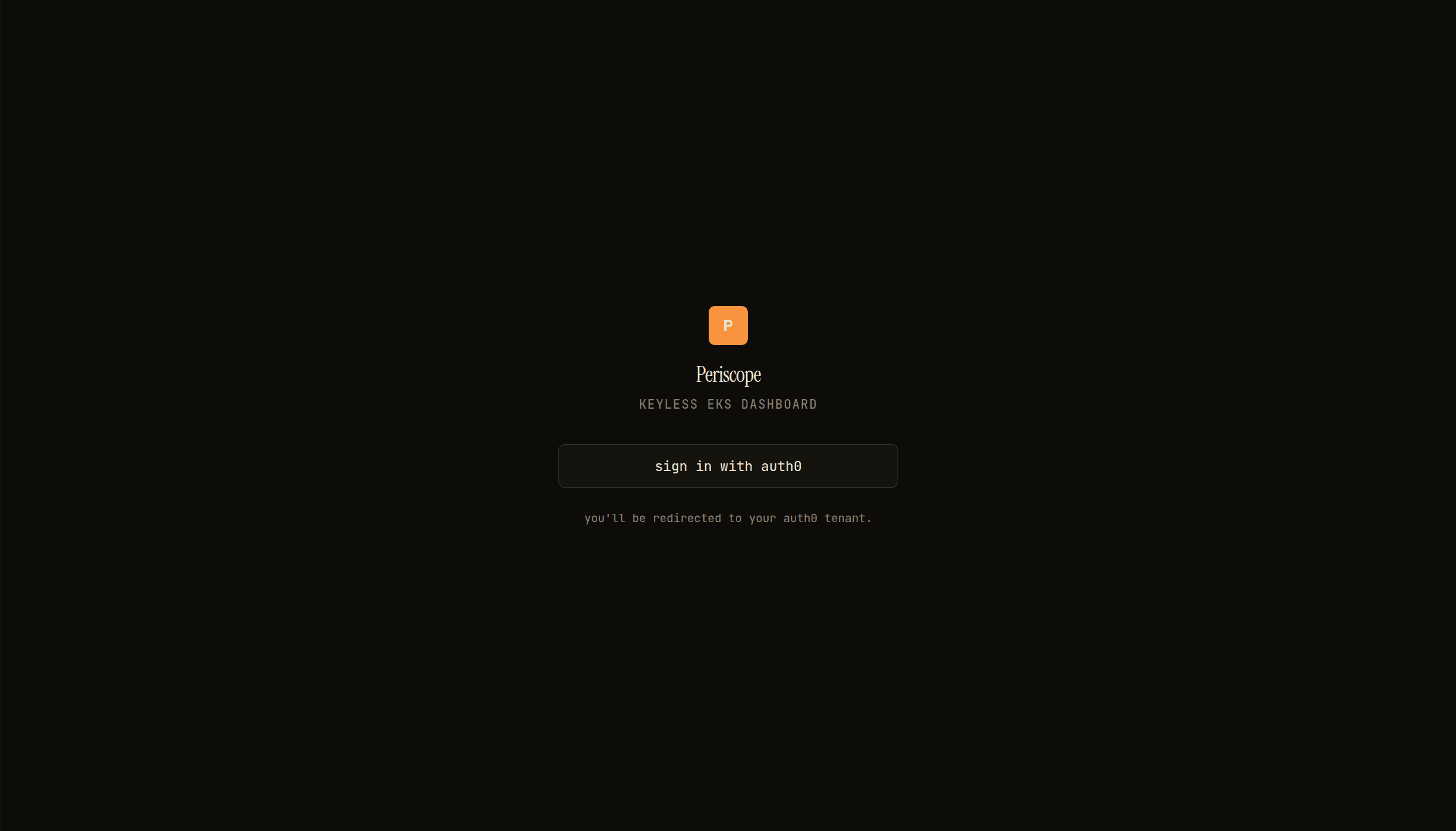
Periscope login landing — orange P logo, italic display wordmark, single sign-in button -
Click it. You're 302'd through
/api/auth/loginto Auth0's/authorize.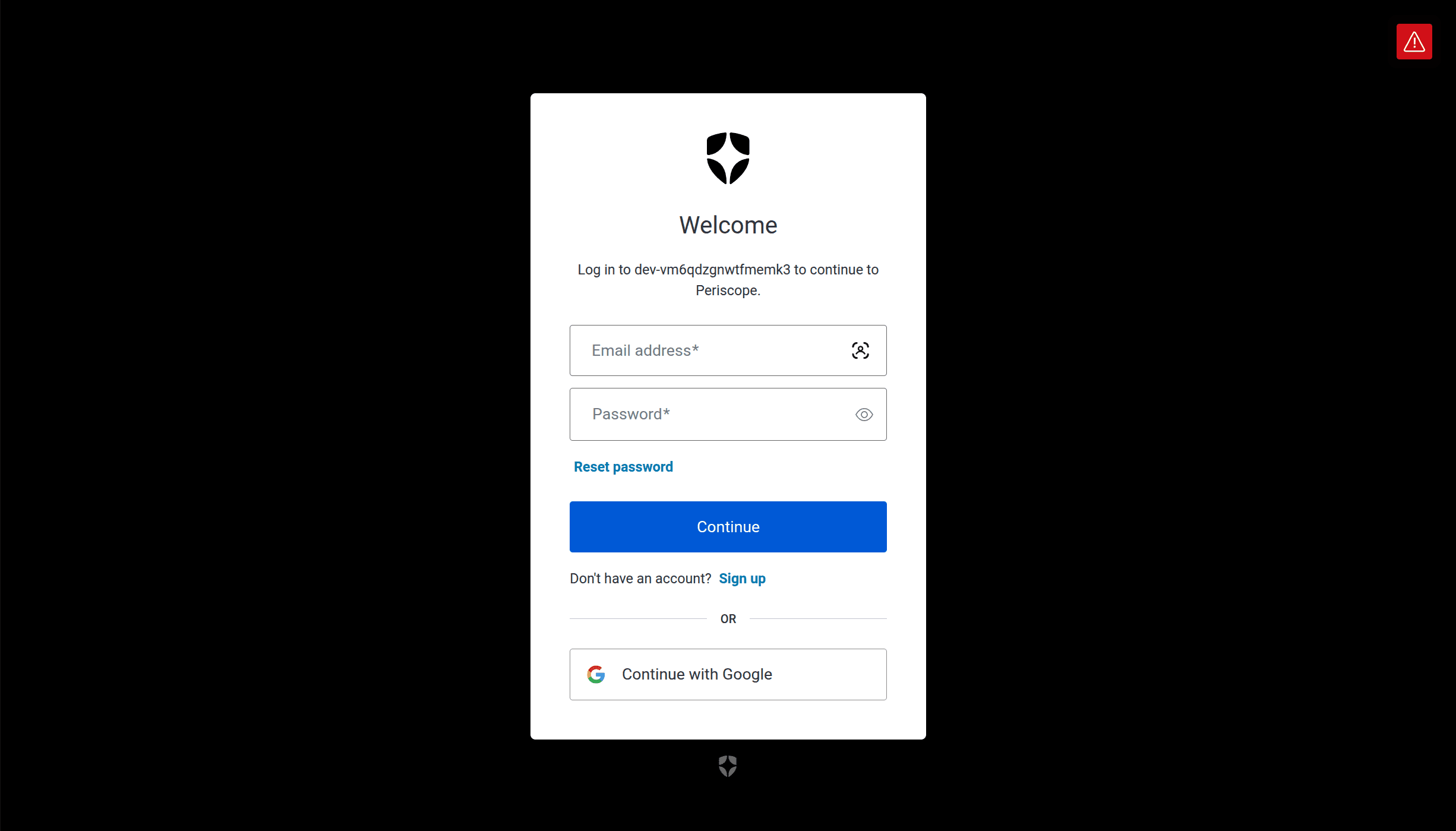
Auth0 universal login — email/password modal on the dev tenant, Continue with Google -
Sign in. Auth0 sends you back to
/api/auth/callback. -
Periscope verifies the ID token, applies the
allowedGroupsgate, sets the session cookie, 302s you to/. -
The dashboard loads. Click your avatar in the cluster rail — the popover shows your email, an
oidcbadge (wasdevin dev mode), anadminbadge if your groups grant write / apply, and your groups.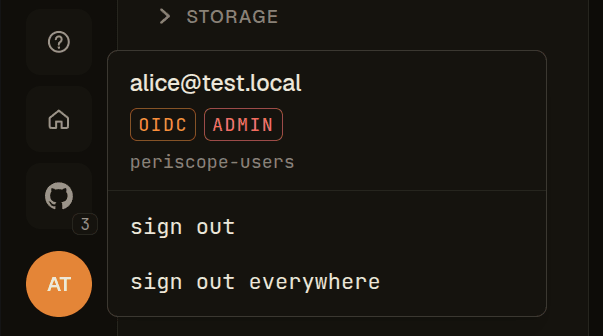
Avatar popover — [email protected] with OIDC + ADMIN badges and periscope-users group
If you get 403 "your account is not in any group that has Periscope
access" — go back to 6 and confirm the user's app_metadata.groups
is set, the Action is deployed, and the Action is dragged into the
Login flow (it's an easy step to skip).
Common pitfalls
Cross-cutting Periscope-pod issues live in troubleshooting.md. This section covers Auth0-specific OIDC mistakes.
groupsclaim missing. The Action wasn't added to the Login flow, or the namespaced claim name inauth.yaml: groupsClaimdoesn't match the one in the Action code.- Refresh fails after 1 hour. Auth0's default RT lifetime is short. Bump under Refresh Token Rotation; otherwise users re-auth every hour.
Callback URL mismatch. Auth0 enforces exact-string match. The scheme + host + path + (no) trailing slash all matter. Periscope's callback is exactly/api/auth/callback.- Logout-everywhere lands on a 404. OIDC Conformant Logout isn't
enabled — see 8. Auth0 uses a non-OIDC
/v2/logoutendpoint otherwise, which Periscope's discovery-driven flow doesn't use. - Login bounces to Auth0 forever. Check
oidc.issuerhas the trailing slash. Auth0 normalizes the issuer to the trailing-slash form and the ID token'sissclaim won't match without it.